Gaming / Guides & How-To’s
Tomee Genesis 2/3 AV Cable: Will It Fit Your TV?
Check the console model, TV input and three colored plugs before buying a Tomee Genesis 2/3 AV cable. Know when a separate HDMI conversion setup is needed.
Happibee Field Guide · The retro shelf
The Tomee Genesis 2 and 3 AV Cable is a replacement composite cable for those two console models. Buy it when you need the console-to-AV connection. If your television has only HDMI inputs, this cable alone will not complete the setup.
Start with the console, not the cable drawer
A loose cable can look familiar without belonging to the console in front of you. The useful starting point is the full console model and its A/V output, followed by the input on the television. Photograph both before shopping, especially if the console has been stored away for years.
This Tomee cable is labeled for Genesis 2 and Genesis 3. Do not buy it for a Genesis Model 1 simply because all three share the Genesis name. For a Model 1, look for a cable explicitly made for that model. If you cannot identify the console, resolve that first rather than trying to make a plug fit.

Match the model name
The packaging identifies the supported console models. That is the detail to match when buying a replacement or a small gift for a retro collector.

Match the signal at the other end
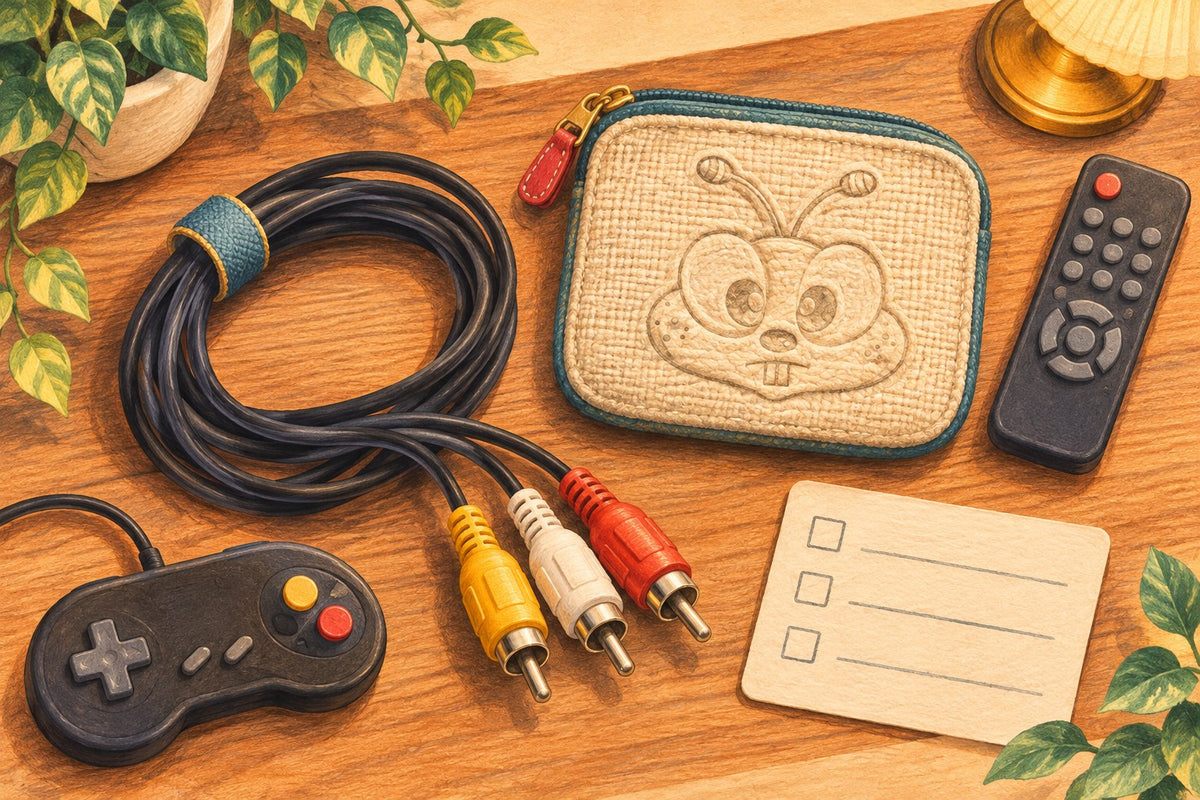
The three colored RCA plugs carry composite video and left/right audio. They do not plug directly into an HDMI socket.
The console still needs its correct power supply. An AV lead carries picture and sound; it does not replace a missing power adapter. If several consoles came out of the same storage box, keep their power supplies and video cables identified separately.
Read the TV input label before ordering
Look for an input labeled Video, AV or Composite, together with its audio connections. A photo of the entire input group is more useful than a close-up of one colored socket: it preserves the labels and shows which audio inputs belong with the video connection.
| Your TV connection | Buying decision |
|---|---|
| Composite video plus audio inputs | The Tomee cable is the appropriate connection type for a Genesis 2/3. Confirm the TV's input instructions. |
| A shared green socket labeled Video | Check the TV manual for composite use and the matching audio inputs. Color alone is not enough. |
| Only HDMI inputs | Plan a compatible active composite-to-HDMI converter or another console-compatible HDMI solution. The Tomee cable alone is incomplete. |
| An unfamiliar small AV socket or missing TV adapter | Identify the TV's required adapter first. Do not assume a random breakout cable is interchangeable. |
For an HDMI-only screen, follow the direction
An active converter changes the analog signal into HDMI. A passive plug adapter cannot perform that conversion. The required direction is composite input → HDMI output; an HDMI-to-composite box does the opposite job.
Choose any converter by its documented support for your console's signal, its power requirements and the display you will use. “HDMI output” on a box is not a guarantee that every old console will work well with it. Settle that part of the setup before adding the analog cable to your order.
If you already have a working connection and want a different picture, first identify what you are replacing. Another composite cable is a replacement within the same signal format. It is not an RGB, component or HDMI upgrade.
Give each plug the right job
With the equipment switched off, seat the console connector in the matching A/V output without forcing it. Connect the colored plugs to the TV's corresponding video and audio inputs, following the TV's labels. On a shared input, use the manual's composite instructions rather than guessing from the green socket.
Then select that AV or Video input with the TV remote. Channel 3 or 4 belongs to an RF connection through an antenna input; it is not the setting for a direct composite connection. The remote's Input or Source button is the useful place to start.
If there is no picture, check the selected input and the video connection before ordering another cable. For picture without sound, check the audio plugs and their matching input group. Turn the equipment off before reseating connections. A blank screen alone does not identify which part of the setup is at fault.
Make a two-photo shopping note
For your own setup, save a photo of the console model and rear connector beside a photo of the television's input labels. For a gift, ask the recipient for those same two photos. That small check is more useful than guessing from the games they collect.
- Console: Genesis 2 or Genesis 3 confirmed.
- Screen: composite input identified, or a compatible conversion setup already chosen.
- Missing item: an AV cable, rather than a power supply or TV adapter.
- Purpose: replace a missing or damaged composite lead, rather than change the video format.
When those checks match, choose the Tomee Genesis 2 and 3 AV Cable. If the television connection is still uncertain, keep the photos and finish that check first. You will have a much clearer idea of what needs to go in the basket.