Hobbies & Collectibles / News, Launches & Updates
Micron Pen Skipping? Check the Paper and Your Pressure
A broken line can interrupt a lovely sketch. If your Pigma Micron starts skipping, pause before bearing down on the nib. A clean scrap of paper and a lighter touch can help you work out what to change next.
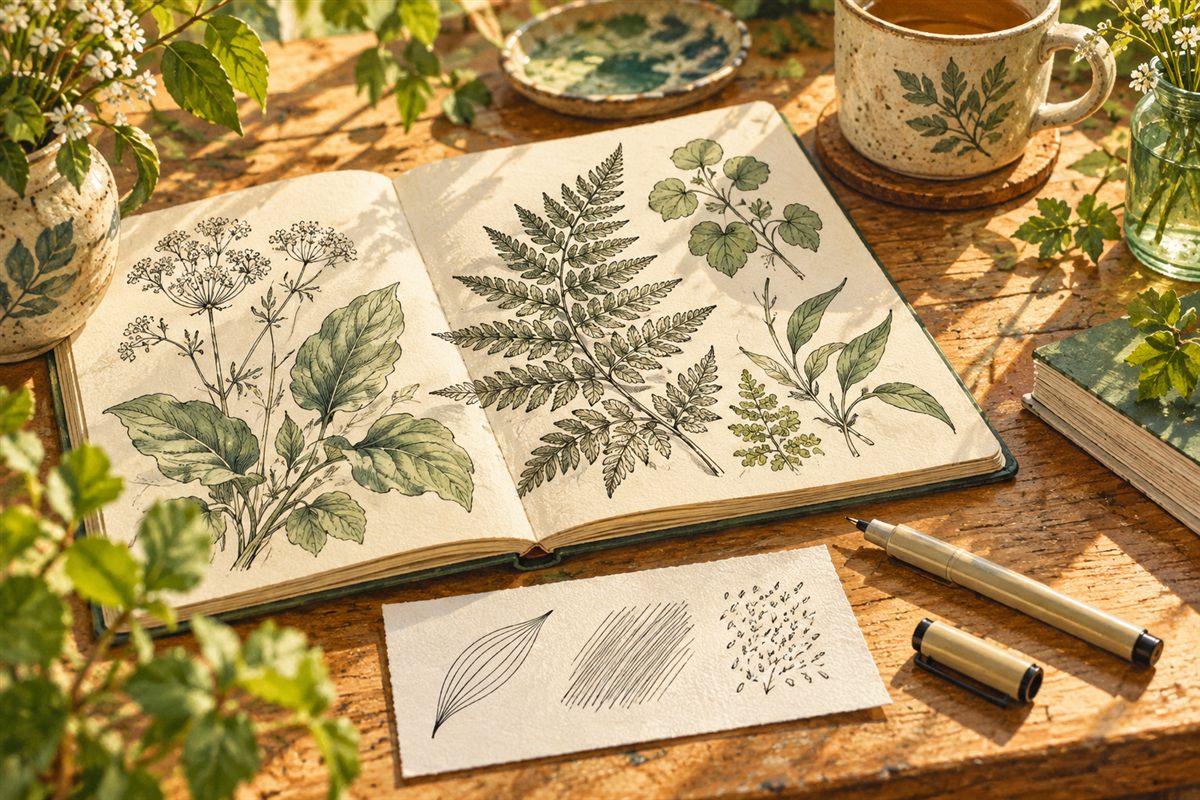
Cover: original editorial illustration by Happibee.
Start with the surface
Sakura says partially dried paint or primer, wood and fabric dust, fabric treatments and very fibrous paper can clog a Micron nib. Its pigment ink needs a clear path through the fine tip.
Move to clean, smooth drawing paper. If the line improves, keep the original surface out of your next comparison. For a mixed-media piece, plan your pen work so the nib does not travel through partly dried paint.
Let the nib do the work
Sakura recommends holding Microns perpendicular to the page. The extra-fine 003, 005 and 01 nibs need an especially light touch—no more than the pen’s own weight. Extra pressure can bend them.
A visibly bent tip is a reason to change pens, not press harder. For everyday writing, Sakura points to the more durable Pigma Micron PN as an alternative; it is a different nib choice, not a repair for your existing pen.
Try a three-mark sketchbook check
Our suggestion: on the clean scrap, draw a curved leaf outline, a short row of parallel hatch marks and a few tiny letters. Keep your grip relaxed and use the same pen for all three.
- Continuous marks: return to a small, inconspicuous area of your project and compare the result.
- Persistent gaps: set that pen aside and compare another pen on the same scrap before continuing the drawing.
- A line too fine for the job: choose a broader pen for that part of the picture rather than trying to force a heavier stroke.
Keep the scrap beside the sketchbook. Label it with the pen and paper you used, then save it as a handy starting point for your next drawing session.