Gaming / News, Launches & Updates
Minecraft on Switch 2: Check Your Existing Copy Before Buying
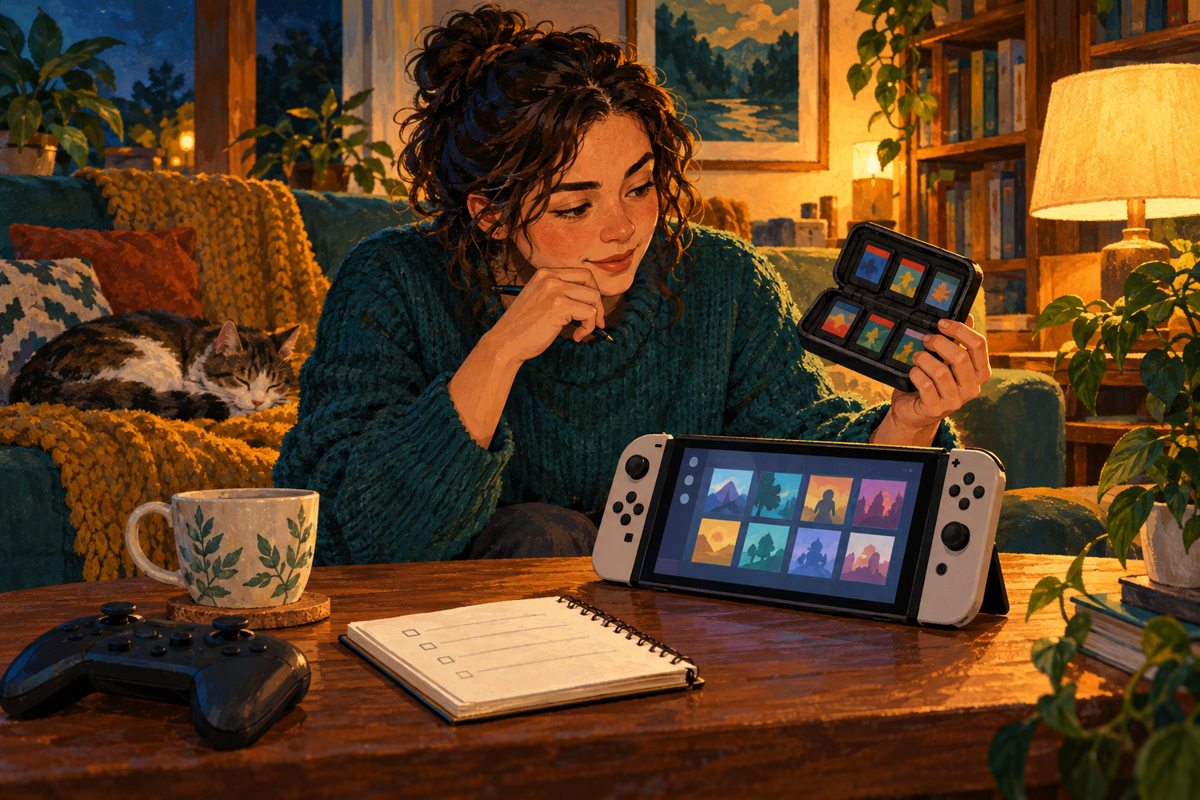
Minecraft arrived on Nintendo Switch 2 on October 27. Before choosing an edition, check the copy you already own: a download and a cartridge lead to different offers. A quick library check could settle the buying decision before you start comparing extras.
Cover: original conceptual illustration by Happibee.
Start with your existing copy
According to Nintendo’s launch announcement, owners of a digital Minecraft copy for Switch can upgrade to the digital Switch 2 Standard Edition free through Nintendo eShop.
A separate offer includes physical-copy owners: launch Minecraft for Switch on your Switch 2 between October 27, 2026, at 9 a.m. Pacific and January 31, 2027, at 9 a.m. Pacific to receive an in-game invitation to a discounted digital Ultimate Collection.
Our suggestion is to check that offer before buying a collection at its regular price. Write down the price actually shown to you, then ask which included extras you would use. A discount is useful when it buys something you wanted in the first place.
Match the upgrade to your next session
The official Switch 2 listing says existing Switch worlds can carry over. It also confirms that Vibrant Visuals is unavailable in split-screen and with certain Marketplace worlds and content.
For a family sharing one screen, that limitation is worth discussing before making enhanced lighting the reason to upgrade. For a solo session, start by choosing the world you want to revisit, then check its compatibility.
Keep a three-line buying note
Note the copy you own, the offer you see and how you plan to play. Those three details give you a better starting point than an edition name. If Standard covers the session you have in mind, compare the paid collections only when a specific extra catches your interest.